
Tag: Stripboard
Stripboard updates in Think Crew: strip designs, banners, day breaks and faster ways to build and reshuffle your shooting schedule. Read the help guides.
-

It’s been a busy few weeks at Think Crew. We presented to the DGA, and we’ve shipped more than twenty updates since our last newsletter. Here’s a recap.
-
Wait, didn’t we just have a major release last week? Yep, but we have more features to add! This release introduces schedule timing to the duration view. Now you can automatically set the timing of each scene as you resize its duration. Check it out below!
-
Version 2.9 is one of our biggest releases yet. It brings richer episodic support to Think Crew, introduces reusable schedule templates, adds nine new variables including automatic sunrise and sunset times, and gives the projects, scripts, schedules, and templates pages a complete redesign – along with bunches of other new features
-
Version 2.8 is here, and it’s packed with features that give you more control over your boards and make exporting your data easier than ever.
-

We’re thrilled to announce that Think Crew 2.2 launched this weekend with seven powerful new features designed to make your scheduling faster, easier, and more flexible than ever before.
-

What an incredible month it’s been! Since launching Think Crew 2.0 on May 5th, the response has been absolutely overwhelming – and we couldn’t be more thrilled with how you’ve embraced the new platform. Your enthusiasm, feedback, and active use of the new features have been inspiring to witness. We’ve Been Listening – And Acting…
-
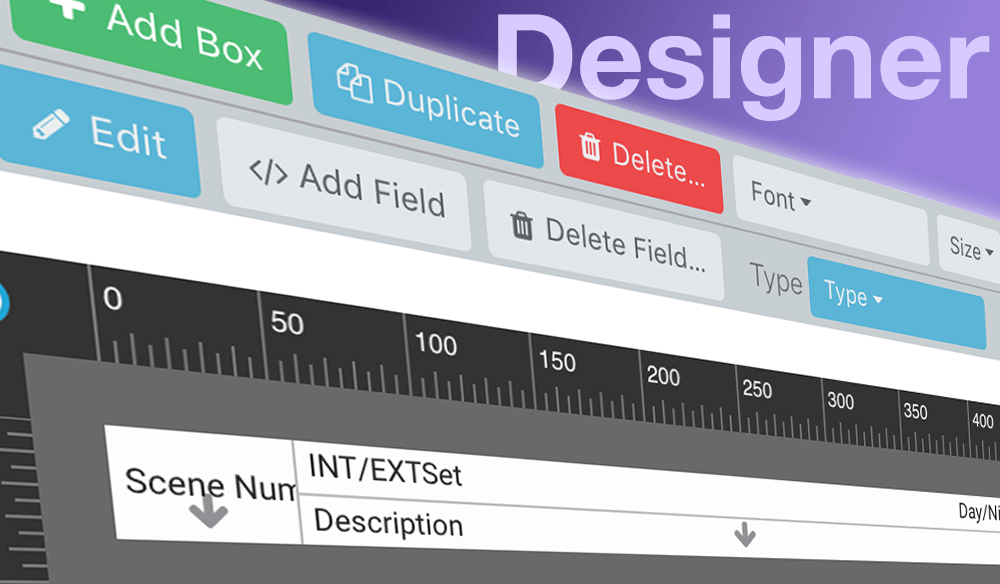
Think Crew version 1.6 introduces multi-select, a helpful find feature and a new print preview. Check it out!